HOMEPAGE DESIGN CONCEPTProposed content & layout
AI CAMERA MONITORING · NEW ZEALAND
Site footage.
Clearer insights.
People in control.
Bring camera footage, AI-assisted prompts and human review into one clear site safety workflow.
See the sceneReview the contextRecord the response
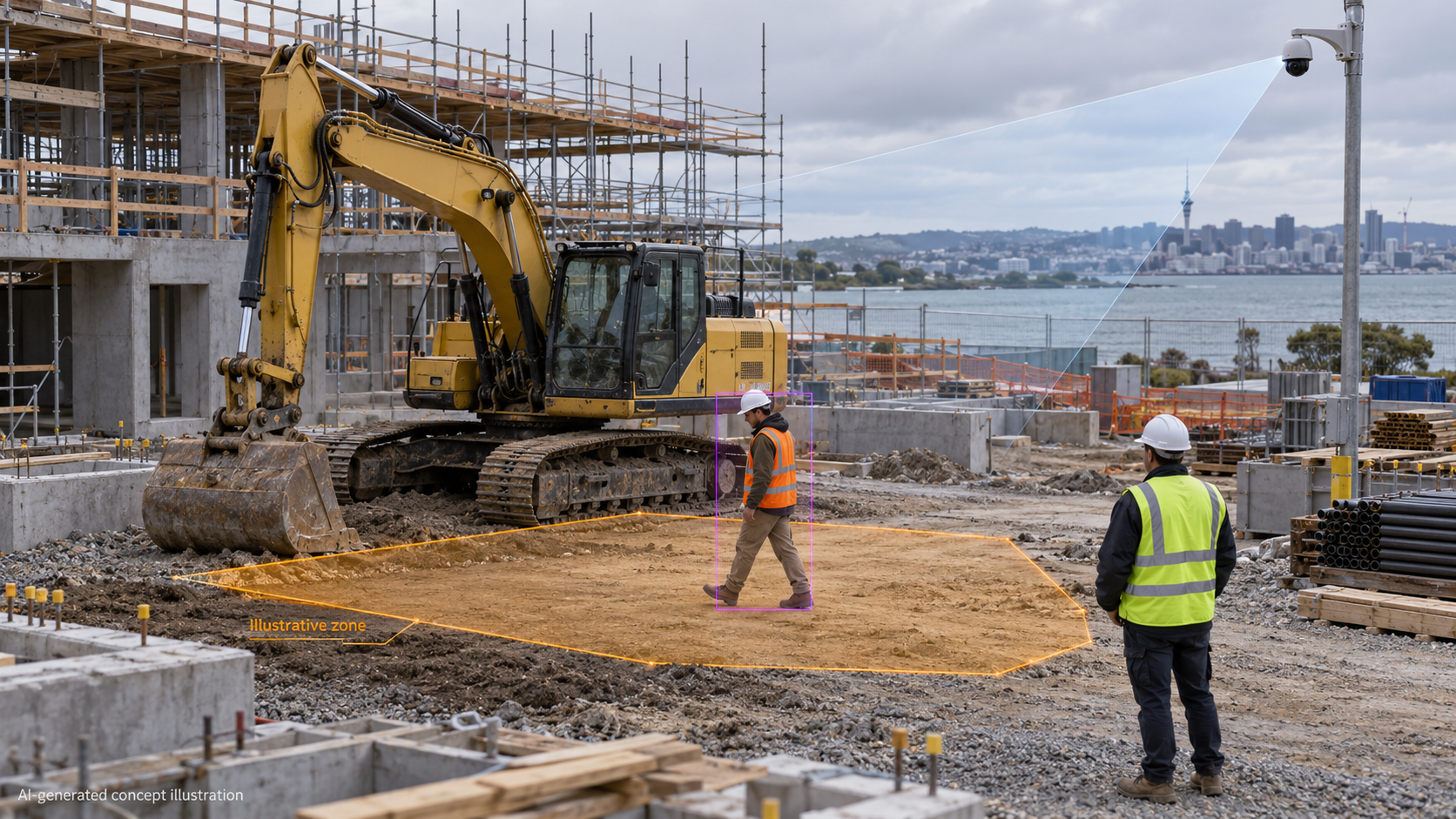 AI-generated scene · Illustrative zone
↗From a scene to a decision.Footage + context + human review
01 / UNDERSTAND THE PRODUCT
Start with what matters
on your site.
Explore the picture, the conditions
and the next step.
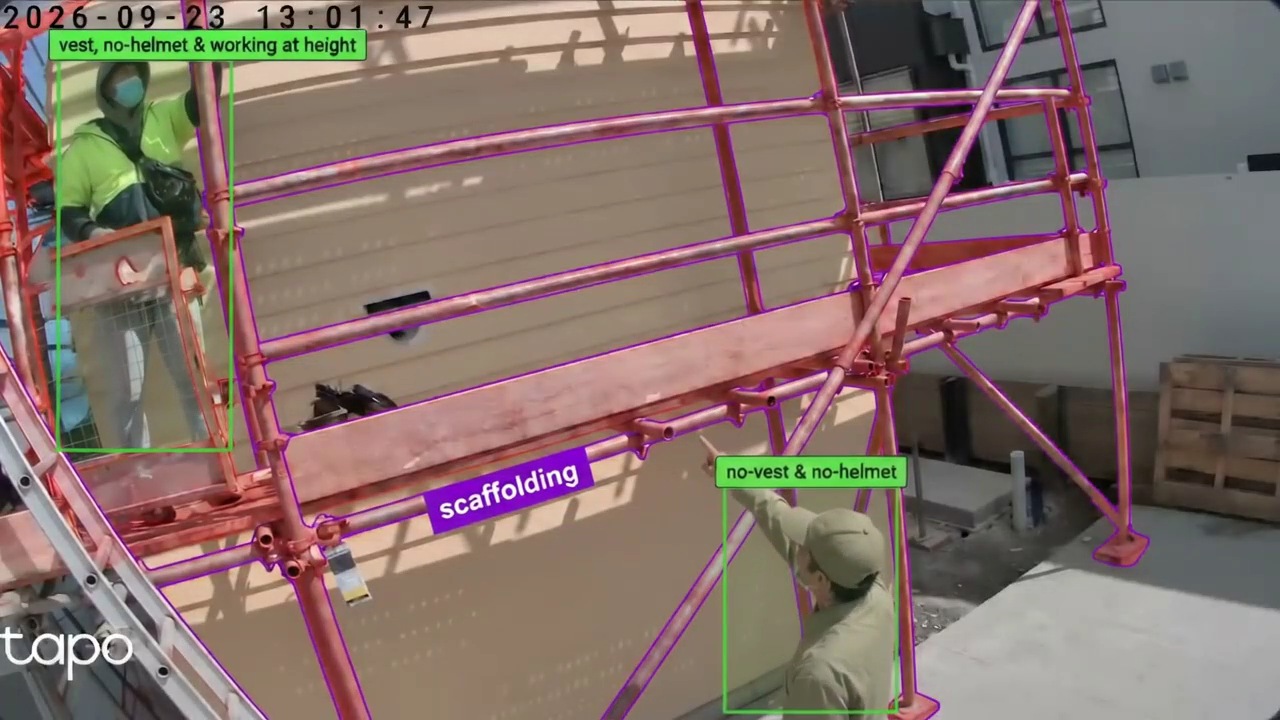 Project-supplied demo footage · Proposed website material
PROTECTIVE EQUIPMENTSee what a PPE prompt looks like.
Use a short clip to explain visible helmet and vest labels, then show how a person checks the scene.
- What the camera can see
- What the prompt means
- What your team checks next
01Observe
Footage provides the scene and context.
02Notify
A relevant prompt is ready for attention.
03Review
A person checks the clip and decides what to do.
04Record
Keep a clear record of the review and response.
Proposed workflow presentation · Example screens and outputs require product confirmation.
03 / PLAN YOUR NEXT STEP
Would it fit your site?
Start with your cameras, site layout and the issues your team wants to understand.
Discuss your site ↗01Your camerasViews, coverage and connection conditions.
02Your workflowWho reviews a prompt and follows it up?
03Your informationWhat is recorded, who can view it and for how long?
KEEP EXPLORING
Know the product.
Know the people behind it.
FOR EXISTING CUSTOMERS · PLANNED
Your projects.
Your company workspace.
A reserved route for customers to view their authorised project data and event records.